Mark UTM readings
on the ship’s drawing.
Open the vessel’s PDF plan, place the measurement points and type the thickness readings. Export a clean draft PDF with a readings summary for the class report.
Runs in the browser · One PC and one phone per account
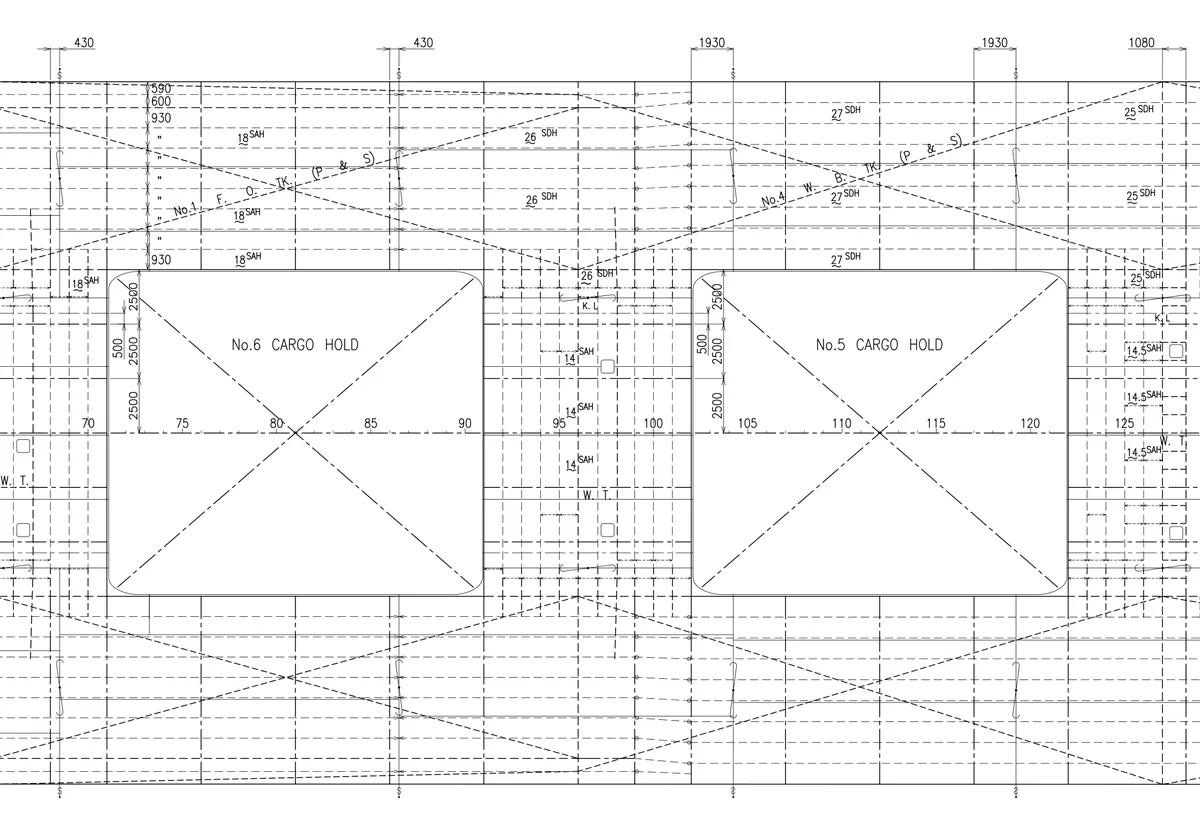
Before The drawing as you receive it
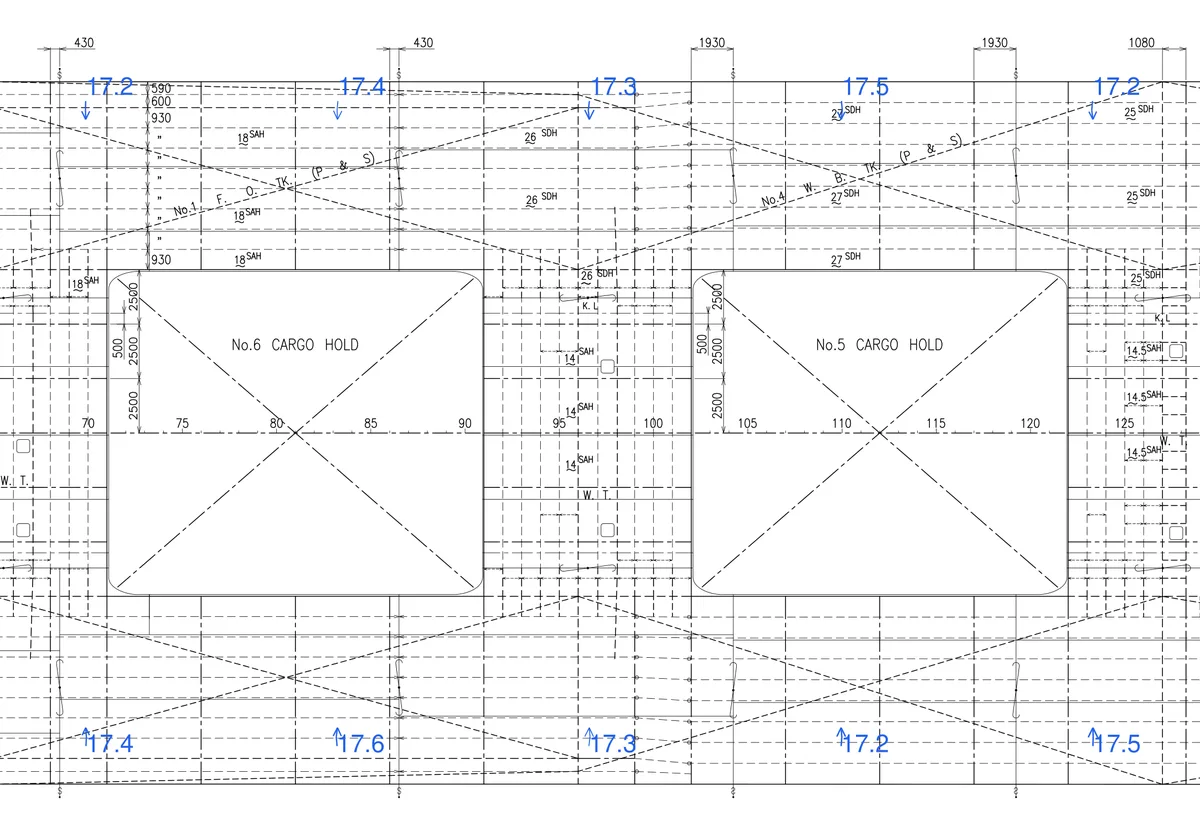
After The draft PDF, readings in place
A real drawing.
The actual workflow.
An existing construction drawing, opened in the full application. Choose an action below and watch the real controls at work.
Pattern → Line → 10 points. Two line patterns prepare 20 empty points on the construction drawing.
Open video larger ↗Actual application capture, played slowly so you can follow the controls. Demonstration values only. The ±0.1 variation shown in Twin sheet creates example values; it does not measure another location.
Two marked plans.
One readings summary.
The PDF below is the unchanged export from this recorded job. Its 40 demonstration readings remain on the construction drawings.
Drawing to draft.
Three familiar steps.
Use the measurements you take. Place them where they belong on your plan.
Bring in your plan
Open a PDF drawing or an image. Set up the vessel details and the drawing you are working on.
Mark your readings
Place measurements directly on the drawing. Use repeated markings and saved settings to keep the work moving.
Save and hand over
Save your job for later and export the marked drawing as a draft PDF for the survey handover.
Keep the drawing in view.
Your measurement workflow stays inside Draft Operator, with its drawing controls, repeated readings and job saving.
The handbook stays open.
Look up a limit or check a source. Handbook access remains free after the Draft Operator trial ends.
Open the handbook